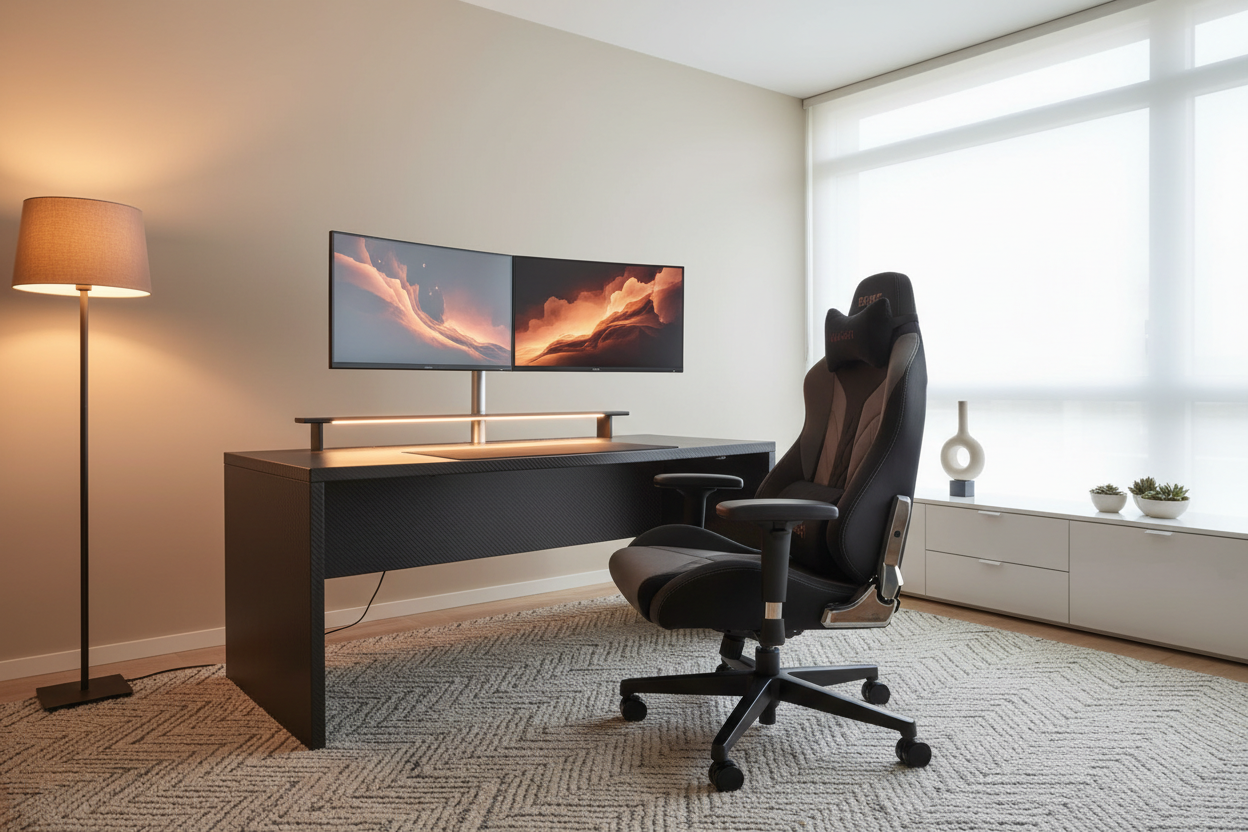


Article: Best Gaming Chair in 2026 — The Complete Buyer's Guide
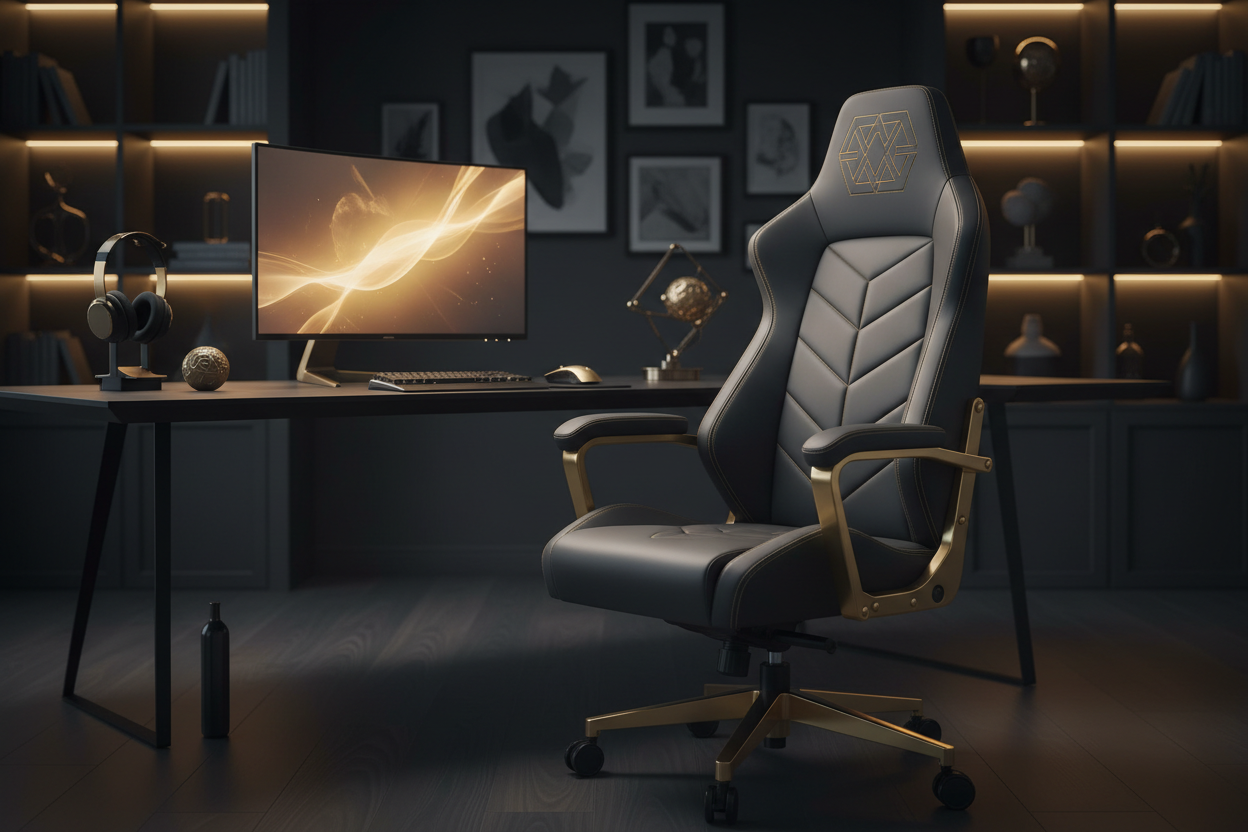
Best Gaming Chair in 2026 — The Complete Buyer's Guide
The KIMLUD Edit
Best Gaming Chair in 2026
The Complete Buyer's Guide
Shop Gaming Chairs
Whether you game for two hours or twelve, your chair is the single most important piece of equipment at your setup. The wrong chair destroys your posture, kills your focus, and leaves you in pain. The right chair — ergonomic, supportive, and built for long sessions — transforms your entire experience. This is the complete guide to choosing the best gaming chair in 2026.
Table of Contents
- What Makes a Great Gaming Chair?
- Gaming Chair vs Office Chair
- Key Features to Look For
- Ergonomics — Why It Matters
- Lumbar Support Explained
- Best Materials for Gaming Chairs
- How to Set Up Your Gaming Chair Correctly
- Gaming Chairs for Different Body Types
- FAQ
What Makes a Great Gaming Chair?
The best gaming chairs in 2026 share five non-negotiable qualities: adjustable lumbar support, a recline function, adjustable armrests, a breathable or premium material, and a sturdy base rated for extended use. Everything else — RGB lighting, footrests, neck pillows — is secondary to these fundamentals.
Gaming Chair vs Office Chair — Which Is Better?
This is the most debated question on r/battlestations and r/pcmasterrace. Here's the honest answer:
| Feature | Gaming Chair | Office Chair |
|---|---|---|
| Lumbar support | Pillow-based (adjustable) | Built-in (fixed or adjustable) |
| Recline | Up to 180° | Typically 120° |
| Aesthetics | Bold, sporty, RGB options | Minimal, professional |
| Long session comfort | Excellent with adjustment | Excellent |
| Price range | $150–$800+ | $200–$1,500+ |
| Best for | Gaming, streaming, creative work | Office, remote work, productivity |
The verdict: for gaming setups, a quality gaming chair wins on aesthetics and recline. For pure ergonomics in a work-from-home setup, a premium office chair often edges ahead.
Key Features to Look For in 2026
- 4D Armrests — adjustable in height, width, depth, and angle. Non-negotiable for wrist and shoulder health.
- Adjustable lumbar support — either a built-in mechanism or a high-quality pillow that stays in place.
- Seat height adjustment — your feet should rest flat on the floor with knees at 90°.
- Recline lock — ability to lock the recline at any angle, not just upright.
- Seat depth adjustment — critical for taller users. Your back should touch the backrest with 2–3 fingers of space behind your knees.
- Weight capacity — always check. Most chairs support 120–150kg.
- Base material — aluminum base is stronger and more durable than nylon.
Ergonomics — Why It Matters More Than Aesthetics
Poor posture during long gaming or work sessions leads to chronic back pain, neck strain, and reduced circulation. The ideal seated position:
- Feet flat on the floor
- Knees at 90° angle
- Hips slightly higher than knees
- Lower back supported by lumbar cushion
- Screen at eye level
- Elbows at 90° with armrests supporting forearms
Lumbar Support Explained
The lumbar region is the lower curve of your spine. Without support, it flattens during long sitting sessions, causing muscle fatigue and disc compression. Gaming chairs address this in two ways:
- External lumbar pillow — most gaming chairs include a removable pillow. Position it at the curve of your lower back, not your mid-back.
- Built-in lumbar mechanism — premium chairs have an adjustable built-in support that moves with you. Superior for all-day use.
Best Materials for Gaming Chairs
| Material | Pros | Cons |
|---|---|---|
| PU Leather | Easy to clean, premium look | Can get warm, may crack over time |
| Fabric/Mesh | Breathable, comfortable in heat | Harder to clean |
| Real Leather | Luxurious, durable | Expensive, requires maintenance |
| Hybrid (mesh back + leather seat) | Best of both worlds | Higher price point |
How to Set Up Your Gaming Chair Correctly
- Adjust seat height so feet are flat on the floor
- Set lumbar pillow at the curve of your lower back
- Adjust armrests so elbows rest at 90° without shoulder shrugging
- Set recline to 100–110° for active gaming, 135° for relaxed viewing
- Position neck pillow to support the natural curve of your cervical spine
- Take a 5-minute break every 45–60 minutes regardless of chair quality
Gaming Chairs for Different Body Types
- Petite / under 5'6": Look for chairs with lower seat height range and shorter seat depth. Avoid oversized "XL" models.
- Tall / over 6'2": Prioritize chairs with extended height range and deep seat. Look for high backrests.
- Heavier builds: Check weight capacity carefully. Look for reinforced frames and wider seats.
- Slim builds: Standard sizing works well. Focus on lumbar and neck pillow positioning.
Upgrade Your Setup Today
Explore KIMLUD's collection of ergonomic gaming and office chairs — built for performance, designed for comfort.
Shop Gaming Chairs at KIMLUD
Frequently Asked Questions
Are gaming chairs good for your back?
Yes — when properly adjusted. The key is setting the lumbar support at the correct position and maintaining the right seated posture. A gaming chair alone won't fix bad posture habits.
How long do gaming chairs last?
A quality gaming chair lasts 3–5 years with regular use. Premium models with aluminum bases and high-density foam can last 7+ years.
What is the best gaming chair for long sessions?
Look for chairs with 4D armrests, adjustable lumbar support, seat depth adjustment, and breathable material. These features make the biggest difference during 6+ hour sessions.
Gaming chair vs office chair — which is better for back pain?
For chronic back pain, a premium ergonomic office chair with built-in lumbar adjustment is often superior. For gaming setups where aesthetics matter, a high-quality gaming chair with proper lumbar support works excellently.
What size gaming chair do I need?
Match the chair to your height and weight. Under 5'6" — look for standard or compact models. Over 6'2" — look for XL or tall models with extended height range.
Continue Reading: KIMLUD Lifestyle Guides
References & Further Reading